harlequin
Portable, powerful, colorful.
An easy, fast, and beautiful database client for the terminal.
One Engine, Two Interfaces.
harlequin and hsql share adapters, config files, profiles, and a query engine, so you, your scripts,
and your agents can share one tool.
Runs Anywhere.
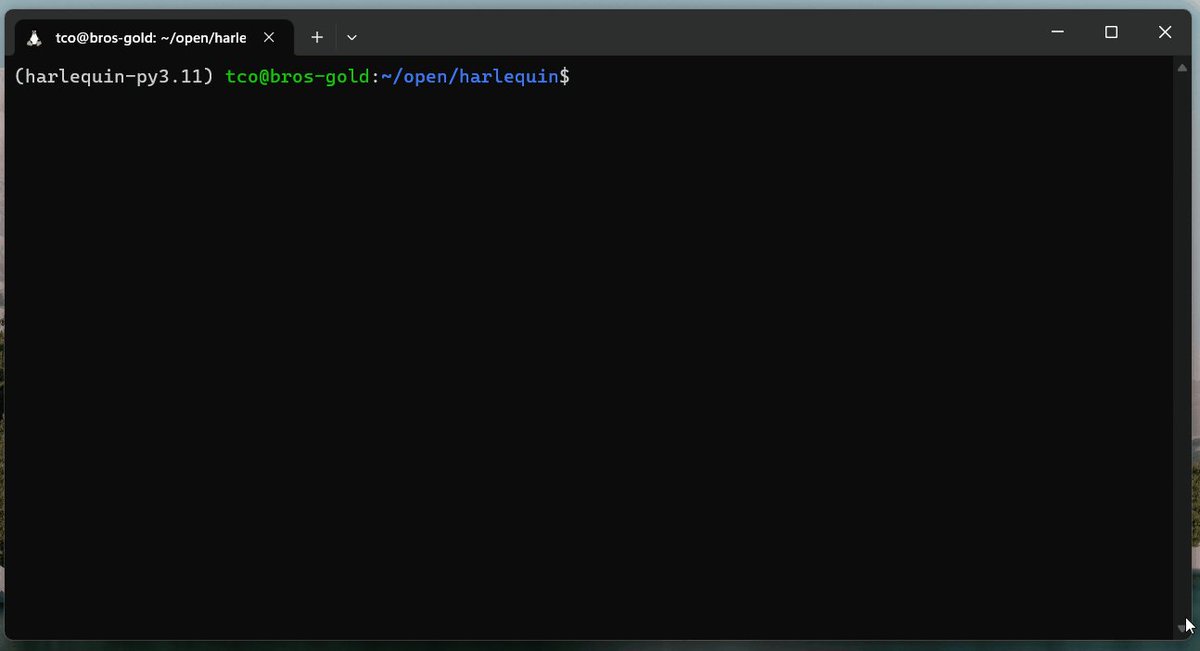
Any shell, any terminal, any machine. Fish in tmux on Alpine over SSH? Sure. Windows cmd? Yep.
Works with Your Database.
Whether in-process, local, or in the cloud, Harlequin makes it easy to explore your data.
More coming soon. Don't see your database here? Open an issue or create your own adapter.
harlequin
For humans, by humans
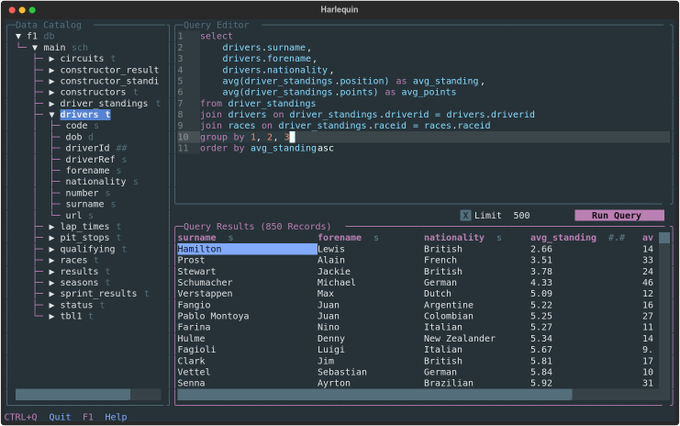
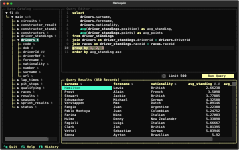
A feature-rich TUI.
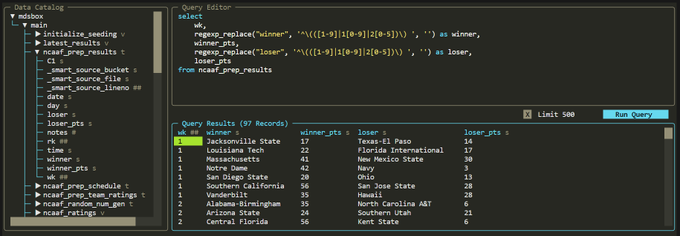
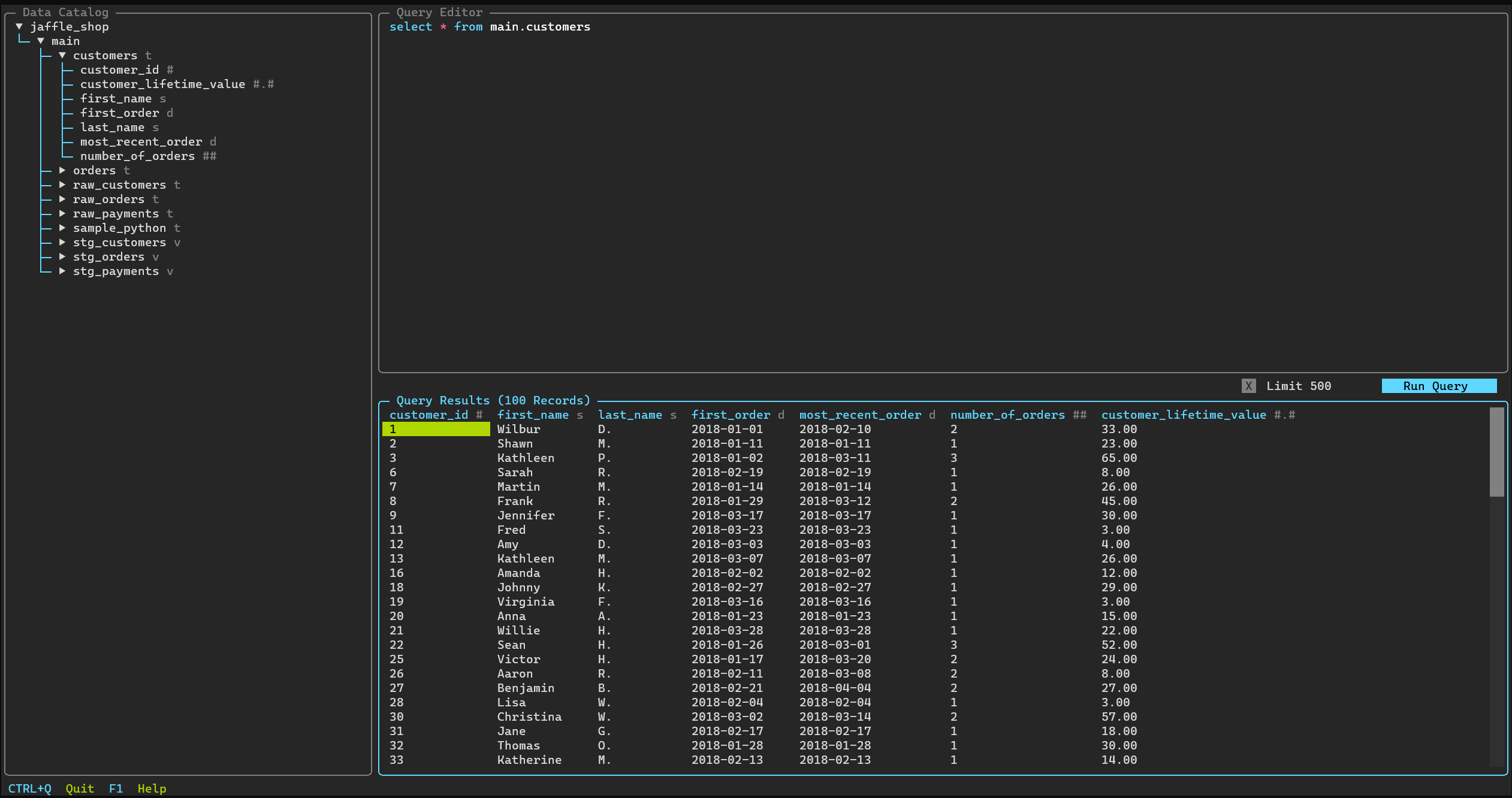
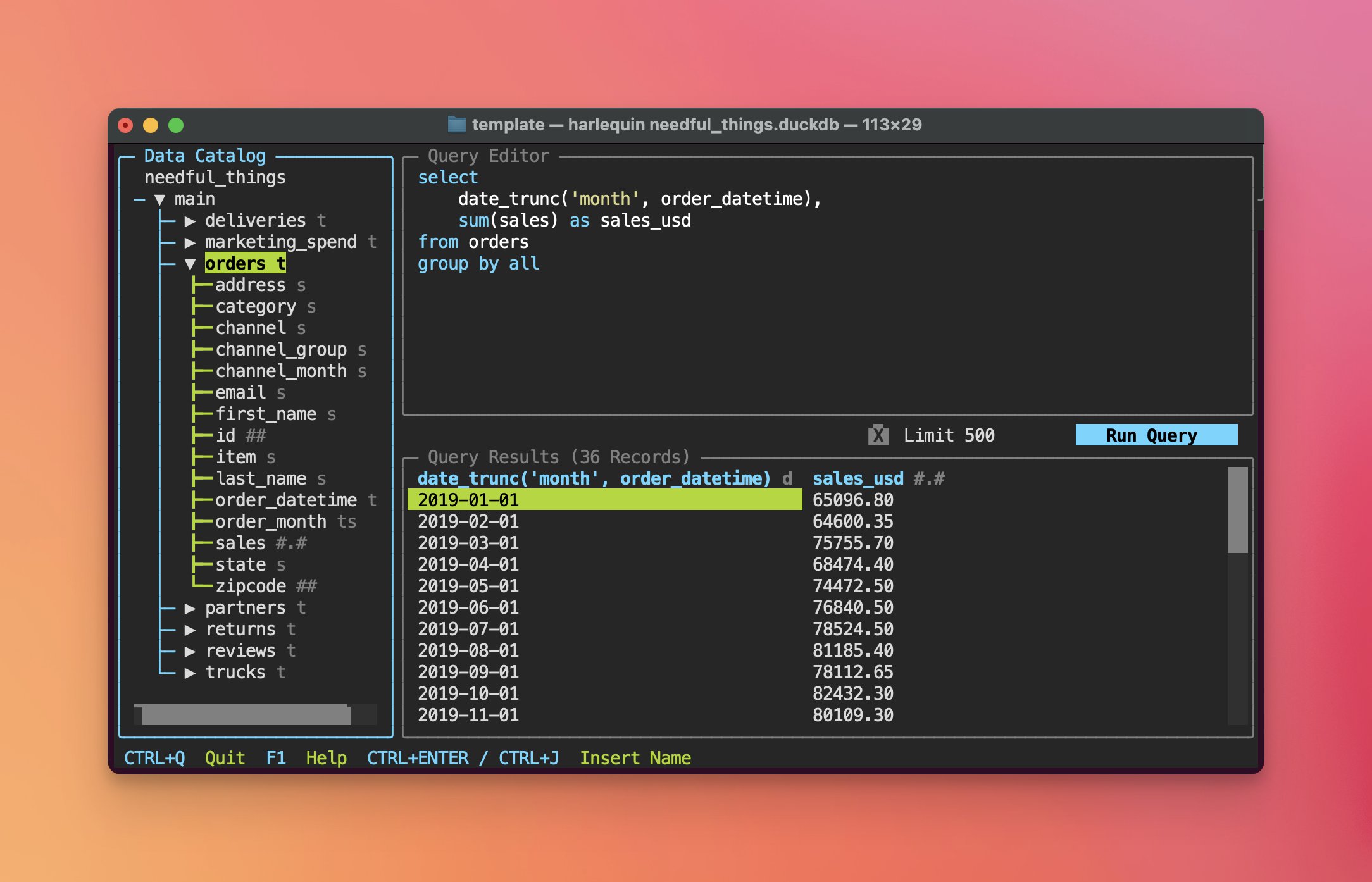
The features you'd expect from an IDE, delightfully running right in your terminal.
Data Catalog
View tables, columns, and their types across one or more attached databases. Optionally view local files or S3 objects.
Query Editor
A full-featured editor: autocomplete, open, save, format, cut, copy, paste, and more. Supports multiple tabbed buffers!
Results Viewer
View 1M+ results in an interactive table. Multiple queries loaded into separate tabs.
Full Screen
Need more room? Press F10 to view the Editor or Results in full-screen mode.
Results Export
Export query results and configure the export using a helpful UI.
Query History
View a list of executed queries and a summary of results. Select to insert into a new buffer.
Themes
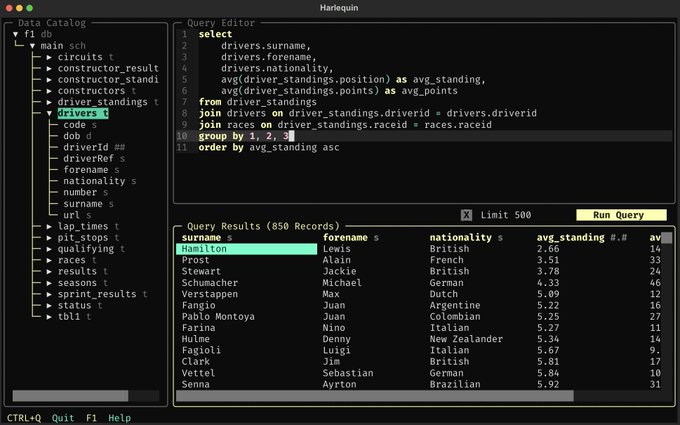
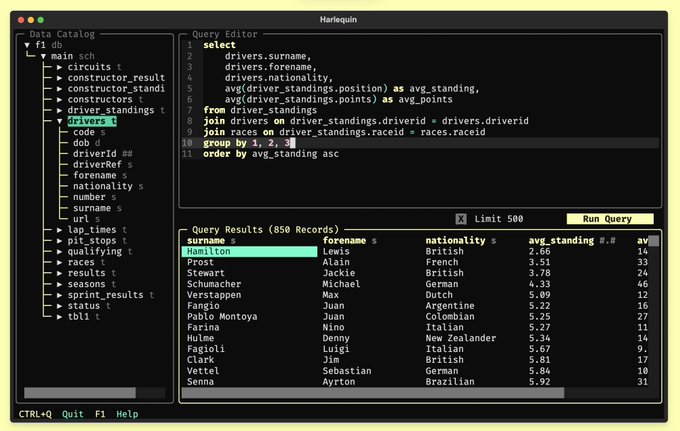
A dozen built-in themes, to suit any taste (light or dark).
hsql
Your agent's favorite SQL client
More features, fewer tokens.
A fast and powerful CLI designed for efficient and safe use by agents.
Flexible inputs
Execute one or more statements from the command line, files, or stdin.
$ hsql -P dev -tAc "select 1"
1
$ hsql -P prod --result all --on-error stop \
  -f ./setup.sql \
  -c "select count(*) as raw from raw_table" \
  -f ./build-models.sql \
  -c "select count(*) as mod from model"
Any output
Write results to stdout or a file, in several customizable formats.
$ hsql --csv --limit -1 -f report.sql > out.csv
$ hsql -tAc "select count(*) from 'out.csv'"
1284
$ hsql --limit 1 --vertical -c "select count(*) from 'out.csv'"
-[ RECORD 1 ]-----------
id           | 1234
company_id   | 111
company_name | Acme Corp
Designed for Agents
Documented and discoverable commands that work on any database; safe defaults; compact output.
$ hsql -P bigquery --markdown --stats -f q.sql
{"status":"ok","rows":500,"truncated":true}
| order_id | customer |
| -------- | -------- |
| 1001     | acme     |
Join the Flock.
Thousands are using Harlequin. Join them with uv tool install harlequin.