Files Overview
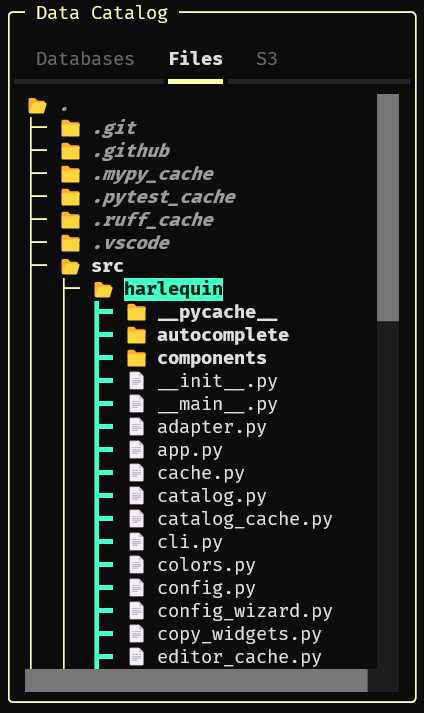
Harlequin’s Data Catalog optionally displays file trees for either local files or remote objects stored in Amazon S3 (or another object storage service that provides an S3-compatible API.)
To view the file tree, use your mouse to select the “Files” tab, or focus on the Data Catalog with F6 and then switch tabs with k or j. Insert file paths into the query editor with ctrl+enter or ctrl+j, or copy them to the clipboard with ctrl+c.
Keep reading for: